Skip to content
CPS Tests

Keyboard

Spacebar Counter

Mash the space bar as fast as you can and see your presses per second.

Press Space to start

The timer starts on your first press. Holding the key down doesn’t count.

10.0Time
0Presses
0.00SPS
–Best

Your recent results

No results yet. Your scores will show up here.

How the spacebar counter works

Pick a length and press the space bar as fast as you can. The first press starts the timer, and your score is presses per second (SPS): 68 presses in 10 seconds is 6.8 SPS. Holding the key does not count. On a phone, tap the pad instead.

What is a good spacebar speed?

Most people press around 5 to 7 times per second over 10 seconds. About 8 SPS is fast, and double figures usually takes two fingers or thumbs tapping in turn.

How to press the spacebar faster

  • Alternate two fingers or both thumbs.
  • Press near the middle of the bar.
  • Use short, light presses instead of slamming the key down.
Click speed ranks

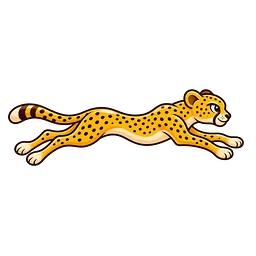
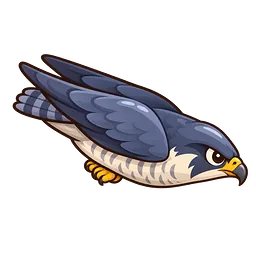
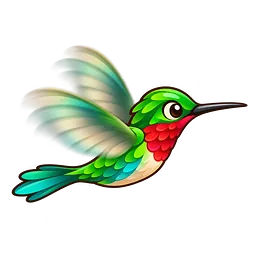
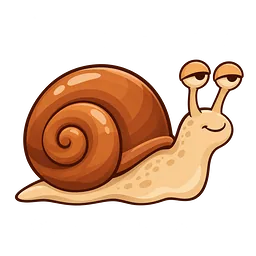
Finish a test and you earn one of ten animal ranks, from Snail to Hummingbird. These thresholds are for the 10 second test; shorter tests set the bar higher.

  1. Snail

    < 2.8 SPS

  2. Sloth

    2.8–3.8

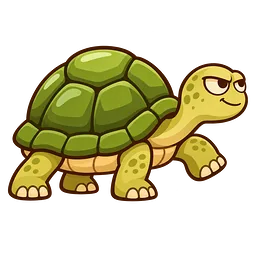
  3. Turtle

    3.8–4.8

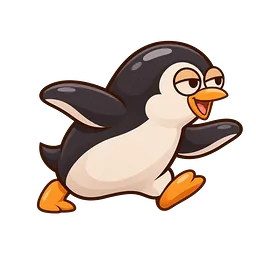
  4. Penguin

    4.8–5.7

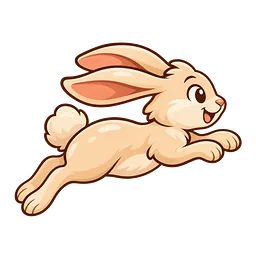
  5. Rabbit

    5.7–6.6

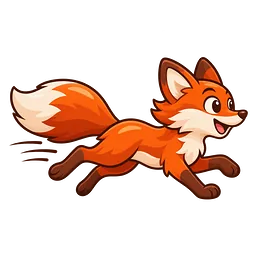
  6. Fox

    6.6–7.6

  7. Horse

    7.6–9

  8. Cheetah

    9–10.5

  9. Falcon

    10.5–12.4

  10. Hummingbird

    12.4+ SPS

Frequently asked questions

What does SPS mean?

Spacebar presses per second: your total presses divided by the test length in seconds.

Does holding the spacebar down count?

No. Only separate presses count; automatic key repeats are ignored.

Will pressing space scroll the page?

Not during the test. The page stays put while you press.

Why does my space bar miss presses?

Pressing near one end or a worn switch can cause it. The keyboard tester shows whether every press registers.

0